

Enterprise Browser
Netzilo protects business data in web and SaaS applications in two ways, both part of Netzilo's Secure Workplace:
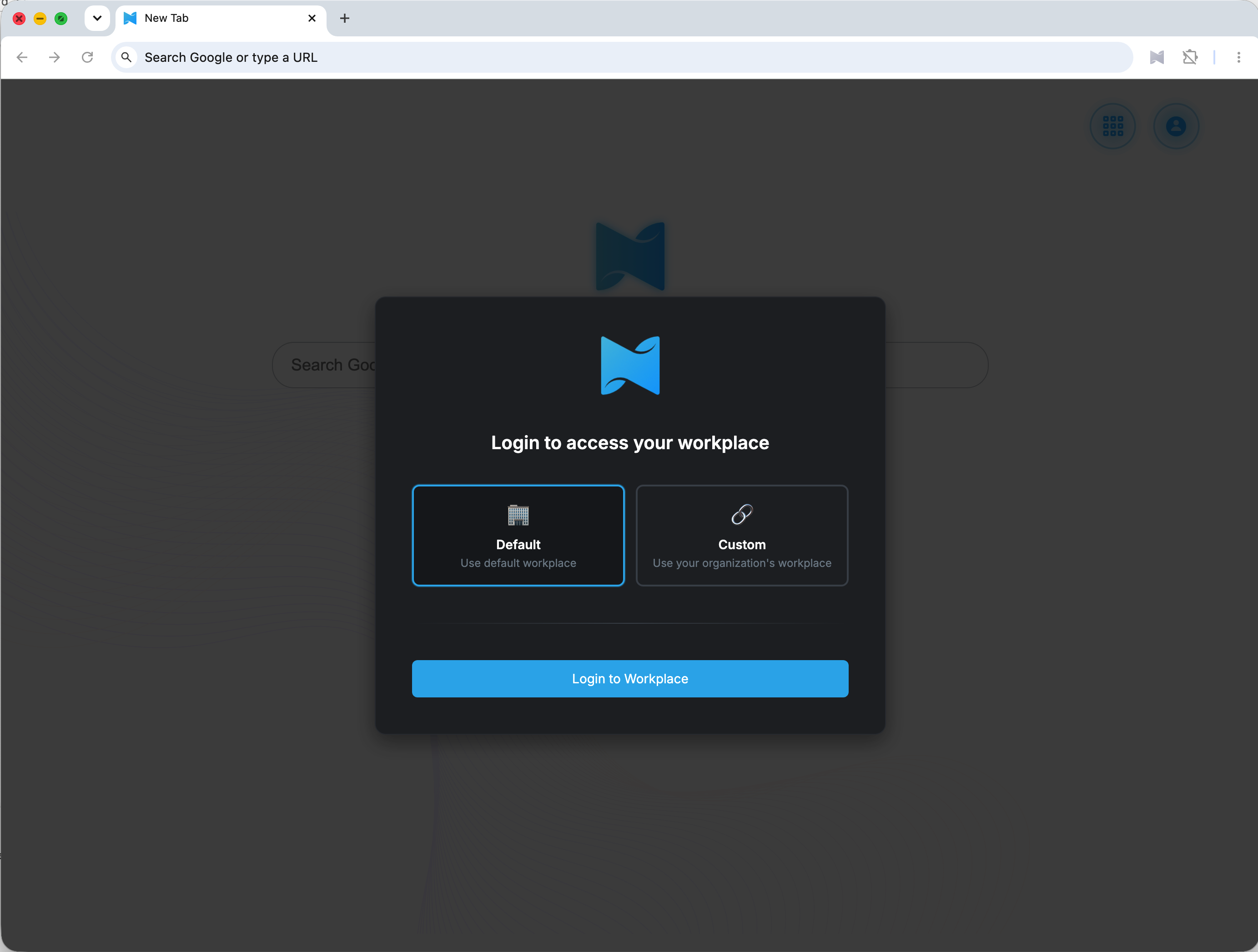
- The Enterprise Browser is Netzilo's own Chromium-based browser, for Windows and macOS, with apps for Android and iOS. You manage it with Enterprise Browser profiles.
- The browser extension adds per-domain controls to the user's own Chrome, Edge, Firefox or Safari. You manage it with Enterprise Browser Extension profiles. The Enterprise Browser carries the extension built in.
Both are configured under Endpoint > Profiles.
Saving profiles needs the Enterprise plan on Netzilo Cloud; self-hosted servers include it.
The problem it solves
Work happens on personal laptops, contractor devices and a remote workforce, in SaaS and AI applications. A VPN secures the network but not the data once it reaches the device, and remote browser isolation adds latency and breaks modern web applications. Data still leaves through the last mile: the screen, the clipboard, the printer and the download. The Enterprise Browser and the extension control that last mile on the device.
What it does
Per-domain controls (Enterprise Browser and extension), set for each web domain in a profile:
- restrict downloads, block URLs, redact sensitive data before it is shown;
- add a watermark, restrict the clipboard and printing;
- detect source code being uploaded or shown, and content with classification labels;
- send matching sites to the Enterprise Workspace or the Disposable Browser.
Enterprise Browser only:
- restrict uploads, screen sharing and key-logging per domain;
- bookmarks shown to the user on the Workplace and in the browser;
- allow or block other browser extensions;
- an encrypted browser profile, and wiping its data when the browser closes.
AI governance in the page. The extension, also inside the Enterprise Browser, runs the same governance engine as the Netzilo client and the Netzilo AI Gateway. It applies your guardrails to ChatGPT, Claude, Gemini and Perplexity in the browser, and to AI calls that web pages make. See Browser Extension.
For untrusted sites, the Disposable Browser opens throw-away sessions that are destroyed on close. It runs on Windows x64 devices with the full (administrator) install of the Netzilo client. See Disposable Browser.
Settings for each component are in the Enterprise Browser configuration guide and the Browser Extension configuration guide.
Download
Enterprise Browser
Windows
macOS (Intel)
macOS (Apple silicon)


For managed Windows installs, use the MSI with the TENANT and SHORTCUTNAME
properties, and FORCETENANT=1 to keep users on your Workplace. See
Installer command lines.
Browser extension
Chrome
Microsoft Edge
Firefox (128 or later)
Safari (Netzilo Secure Browser app)
- Safari: install the Netzilo Secure Browser app, then enable its extension, Netzilo Browser, under Safari > Settings > Extensions and allow it on all websites.
- Force-install: when an Enterprise Browser Extension profile applies to a device,
the Netzilo client installs the extension in Chrome and Edge itself. Without the
client, use your browser management: in Chrome,
ExtensionInstallForcelistwithkdcpnkonhjcknlkjmjapclhpoamlckji;https://clients2.google.com/service/update2/crx; in Edge,efflopncanncclcfnddajplbnmhoebml;https://edge.microsoft.com/extensionwebstorebase/v1/crx.
Related Documentation
- Enterprise Browser configuration guide - bookmarks, domain settings and security settings
- Browser Extension configuration guide - per-domain controls in the user's own browser
- Browser Extension - AI governance in the browser
- Clientless Access - reach internal sites with only the extension
- Install Netzilo - all downloads